
ScanNow using TWAIN Compliant scanner
Once you click on PaperSave- Add document or Add another Document from Records and Batch sections in Raiser's Edge respectively or click on Yes in Add document dialog box, you will be redirected to PaperSave file capture options panel. Click here to see the steps to reach file capture options panel.
The following video covers how to add documents to Raiser's Edge records using a TWAIN scanner:
Click on the "ScanNow using any TWAIN compliant scanner" option in the file capture options panel to add a document from a TWAIN compliant scanner as shown below:
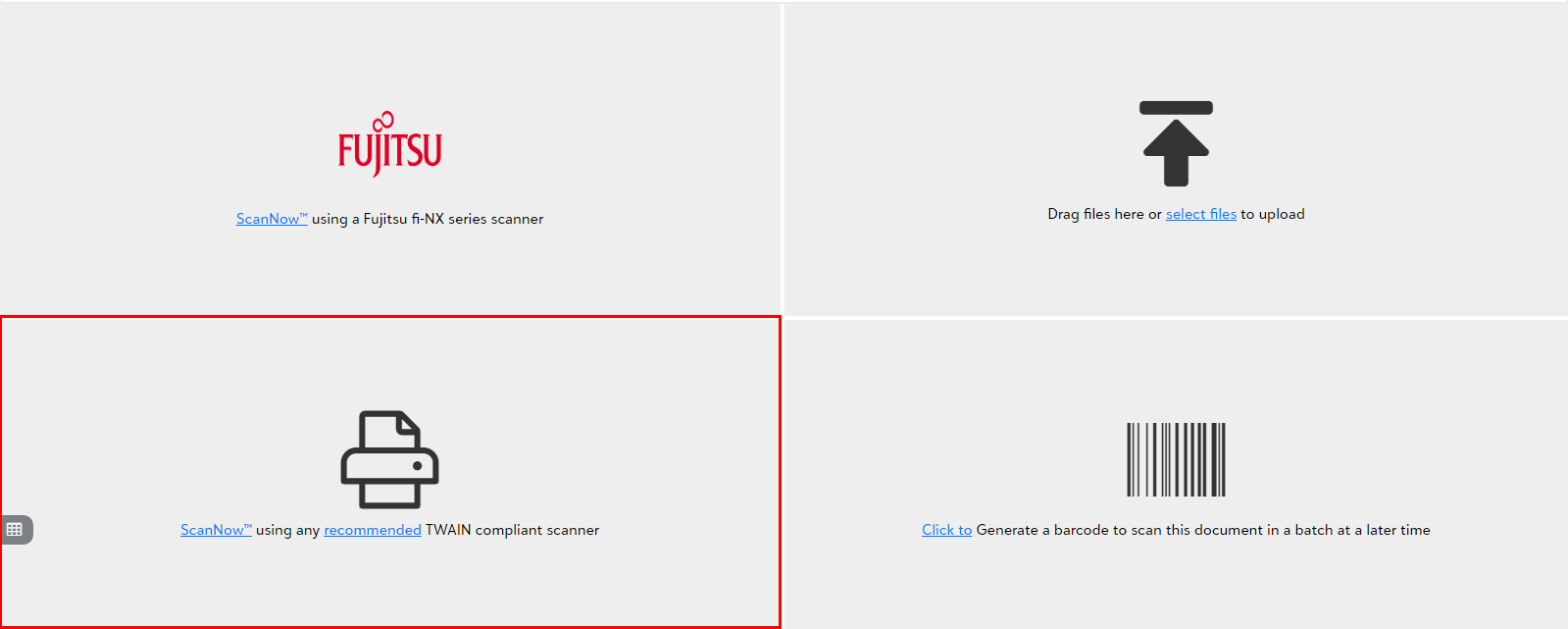
- You will be prompted to pick a scanner from the available list of scanners upon clicking "Scan Now using TWAIN-compliant scanner".

- You can define your favorite scanner as default by checking the "Save Selected Scanner as Default", if you do not want to select it again.
Tip: You will be prompted to download and install the web scanning utility when scanning for the first time. You must download the utility as per the given instructions to scan documents using the TWAIN scanner.
Note: The scanning utility and thus TWAIN scanning only works on Windows operating system, whereas scanning on a Mac can only be accomplished with the Fujitsu fi-NX series scanner option.